Safety note: SmartThings Safe Premium is not a replacement for local emergency numbers, smoke and carbon-monoxide alarms, medical alert systems or a household emergency plan. In immediate danger, use the official emergency channel available where you are. Do not trigger a live monitoring service merely to test it unless the provider supplies an approved test procedure.
Samsung's SmartThings platform added a new kind of control on June 24. Instead of switching a lamp or checking a sensor, a person can press a Safe button in the SmartThings app and request professional help. The Premium plan connects that request to an Arlo-operated monitoring center that can coordinate police, fire or medical dispatch.1,2
The idea is easy to understand: put a help button in an app already used around the home. The limits matter just as much. The service is currently a United States beta, requires a phone signal and location access, and must be triggered manually. It does not turn SmartThings into an automatic alarm system.1
That makes preparation more useful than enthusiasm. Before depending on the button, a household should know who can see an alert, what happens during the countdown, what the monitoring center does when nobody answers, and which backup channel remains available when the phone or network fails.1,2
The request starts with ten seconds
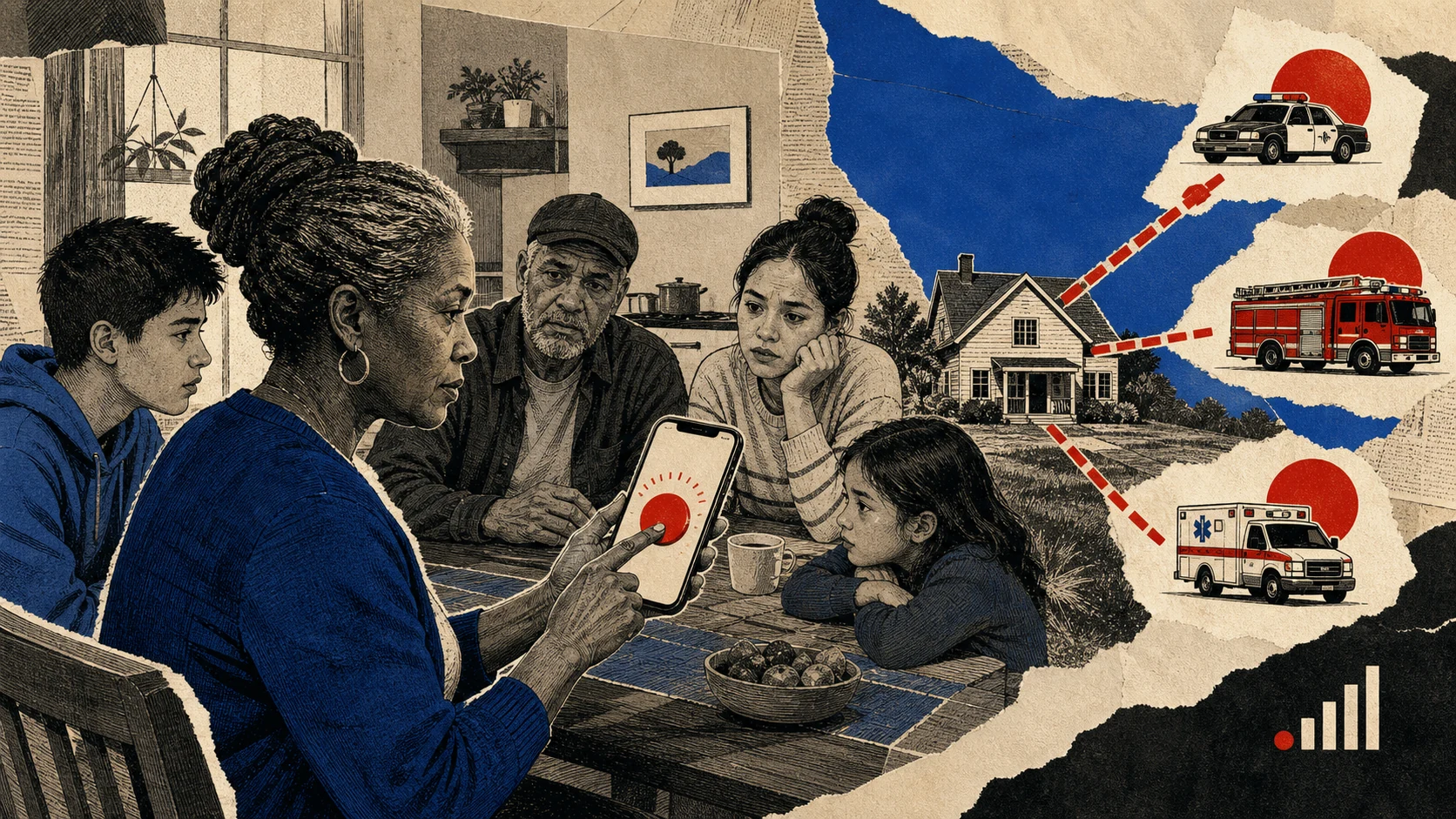
SmartThings says pressing the Safe button begins a ten-second countdown. If the user does not cancel, the app sends a request to a professional monitoring center. An Arlo monitoring agent then calls and texts to ask whether police, fire or medical help is needed.1,2
If the agent cannot reach the user, SmartThings says the monitoring provider will request local responders at the phone's current GPS location, with police as the default. At the same time, people added as Location Members receive a push notification, a map and options to call or text the person who raised the alert.1,2
The countdown offers a short opportunity to stop an accidental press. After a request is created, the user can still cancel by responding to the monitoring center's call or text. Top Apps HQ has not independently tested how quickly those contacts arrive or how the process works during a congested emergency.1
Premium is not the same as the free plan
SmartThings Safe already has a Basic plan at no cost. The Premium plan adds round-the-clock professional monitoring and emergency dispatch through Arlo. SmartThings describes the current Premium access as a limited-time free beta and warns that access may change or end without notice.1,2
A temporary free period is not a stable household budget. Before treating the service as part of a safety plan, check the current price, renewal terms, supported devices and cancellation process inside the app. Save any confirmation that shows what the plan includes.1
The provider relationship also matters. SmartThings supplies the app surface, while Arlo operates the monitoring center and coordinates dispatch. A useful privacy review should therefore cover both companies' terms, data handling and account controls rather than assuming one SmartThings setting explains the whole chain.1
Location access is part of the bargain
To share a live position with the monitoring center and added members, SmartThings instructs Android users to allow location access all the time. On iOS it asks for Always access and Precise Location. That access supports dispatch, but it is also a meaningful privacy permission that deserves a deliberate decision.1
Setup includes a Samsung account, acceptance of terms, identity verification and two-factor authentication. Household members who should receive alerts need the SmartThings app, their own Samsung accounts, notifications enabled and the Safe setup completed. An invitation alone is not enough.1
Review the member list after household changes. Remove old roommates, former employees or other people who no longer need location alerts. Keep account recovery information current, because a locked account is a poor place to discover that an emergency contact list is outdated.1
The phone still has to work
SmartThings says Safe Premium works when the mobile device has a signal. It is available in the United States on supported Galaxy, Android and iOS devices. The request is manual and phone-triggered. Automations, routines and smartwatch-triggered requests are not supported, although watch users can receive notifications.1
Those limits exclude several situations people may imagine when they hear smart-home safety. A smoke sensor cannot automatically press the button. A watch cannot create the request when the phone is out of reach. A dead battery, weak signal, unavailable location service or damaged phone can interrupt the path before the monitoring center receives anything.1
Keep official emergency numbers available outside the app. Maintain smoke and carbon-monoxide alarms according to their instructions. If someone in the household needs a medical alert or fall-detection service, compare products designed and regulated for that purpose rather than assuming an app button offers the same coverage.
Make the button part of a real household plan
A help feature is useful only when people can find and operate it under stress. SmartThings allows the Safe button to be placed on a Galaxy home screen or Quick Panel. Each household member should know where the control appears on their own device and what the ten-second countdown means.1
Agree on who should be a Location Member and who should call directly if an alert arrives. Confirm that names and phone numbers are recognizable. Discuss the difference between a mistaken press, a request that was cancelled, and a request where the monitoring center could not reach the user.1
Do not create a live emergency request for practice unless SmartThings or Arlo provides an approved test mode. A safer review is administrative: check permissions, member accounts, notification settings, battery health, signal coverage and the official emergency numbers stored on the phone.1
The June launch adds a potentially useful layer to an ordinary home app. It does not remove the old layers beneath it. A resilient plan still uses alarms, official alerts, direct emergency calls and people who know what to do when an app is unavailable.1,2
- Confirm that SmartThings Safe Premium is available on the exact phone and in the current location.
- Review permanent location permission, identity verification and every Location Member.
- Keep official emergency numbers and physical alarms outside the SmartThings workflow.
- Treat the beta and limited-time access as changeable until stable pricing and terms are published.
Sources and method
SmartThings published the operating flow, availability and beta limitations on June 24. SamMobile independently reported the launch on June 25. Top Apps HQ did not trigger a live dispatch or test response time, location accuracy or monitoring quality. All descriptions of the service flow are attributed to SmartThings or the independent report.
- Get Peace Of Mind with SmartThings Safe Premium SmartThings · June 24, 2026 · primary
- Samsung brings a panic button to the SmartThings app for emergencies SamMobile · June 25, 2026 · independent